


25 FIT 2.0: Streamline Your EMS Training Bookings
Overview
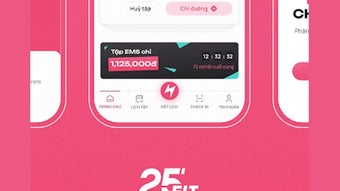
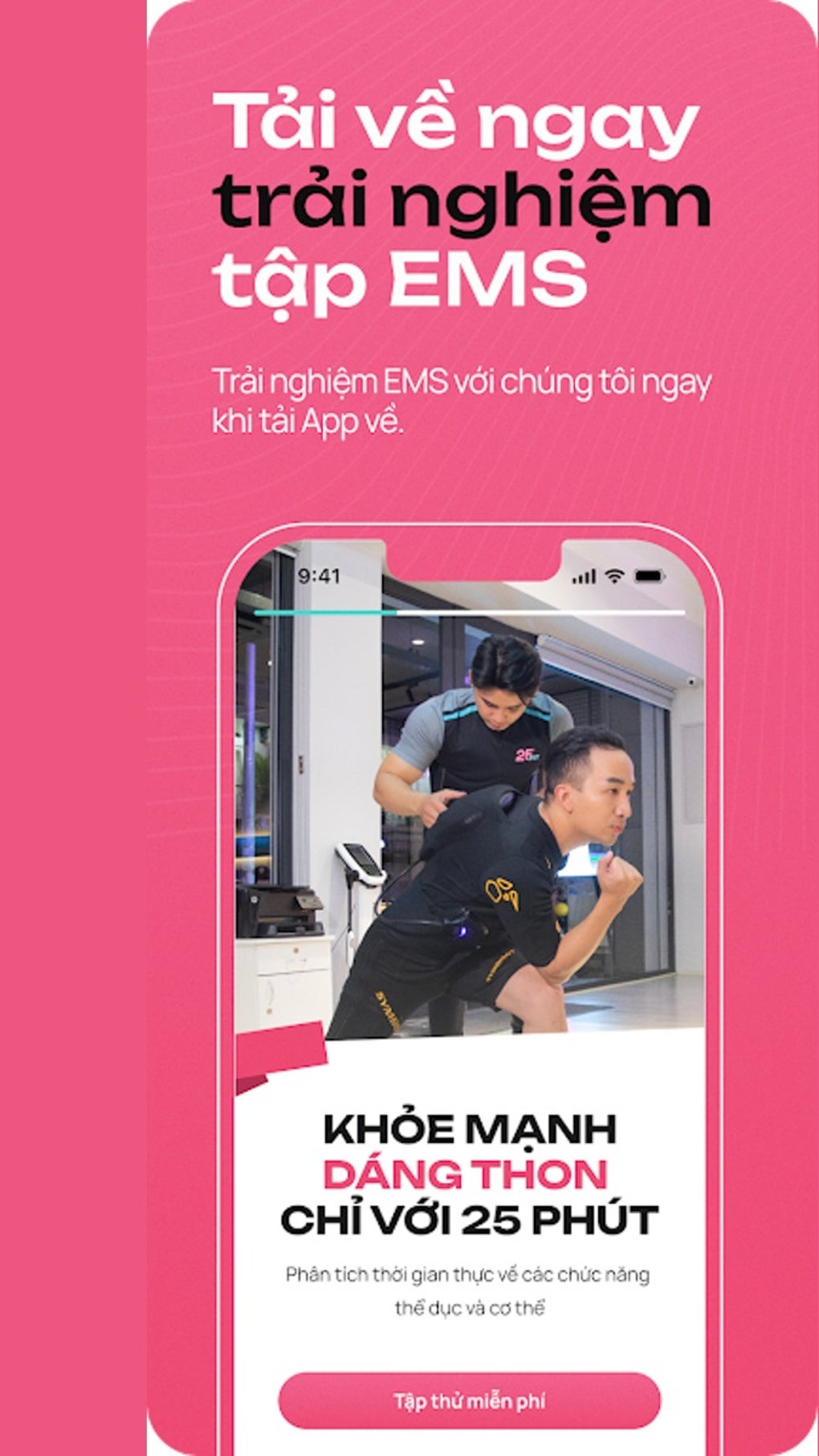
25 FIT 2.0 is a desktop scheduling application designed specifically for members of the 25 FIT fitness network in Vietnam. Its primary purpose is to simplify the process of booking EMS (Electrical Muscle Stimulation) training sessions at any 25 FIT studio nationwide. The software eliminates the need for manual coordination or phone calls by offering a direct, digital interface for selecting available time slots. This enables users to plan workouts with greater flexibility and convenience, particularly beneficial for those with busy schedules.
The application targets fitness enthusiasts and regular patrons of 25 FIT studios who value efficiency and personalized training experiences. It supports real-world usage scenarios such as rescheduling sessions on short notice, tracking workout frequency, and locating the nearest studio using integrated directions. While the app is free to download and use, its functionality is restricted to users within the 25 FIT ecosystem in Vietnam, limiting broader accessibility.
The developer, 25 FIT, is the organization behind the fitness studio chain and has tailored this tool to enhance member engagement and operational efficiency. The software does not support third-party integrations or cross-platform access beyond its designated scope. The developer did not provide additional system requirements.
Key Features & Capabilities
- Session Booking Interface – Users can browse available time slots across all 25 FIT studios in Vietnam and book EMS training sessions directly within the application.
- Real-Time Availability – The app displays up-to-date session availability, reducing the risk of double-booking or scheduling conflicts.
- Location Finder with Directions – Integrated mapping functionality provides step-by-step directions to the nearest 25 FIT studio, aiding users in planning travel logistics.
- Training History Tracking – The application maintains a record of past sessions, allowing users to monitor workout frequency, consistency, and progress over time.
- Time Slot Flexibility – Members can select preferred times based on personal availability, promoting a more personalized fitness routine.
These features streamline the scheduling process for regular users, enabling quick access to training sessions without external assistance. For example, a user can check availability, book a session, and receive navigation instructions—all within a single workflow. The training history function supports long-term wellness goals by providing visual and chronological insight into workout patterns.
User Interface, Workflow & Performance
The user interface of 25 FIT 2.0 is designed with simplicity and clarity in mind. Navigation is structured around core functions: booking, history, and studio locations. The layout prioritizes essential actions, minimizing user effort during session planning. Menus and buttons are labeled intuitively, supporting a low learning curve for new users.
Workflow efficiency is enhanced by a linear process: select studio → view available times → confirm booking → receive confirmation and directions. This step-by-step flow reduces decision fatigue and ensures a consistent experience across sessions. The application does not include advanced customization options, which keeps the interface focused and accessible.
Performance observations are based on general software behavior patterns. The developer did not specify resource usage details. Stability is expected to be consistent for typical use cases, though no performance benchmarks were provided. CPU and RAM behavior are not documented.
Compatibility & System Requirements
25 FIT 2.0 is compatible with both Windows and Mac operating systems. The software version is 2.0, with an installation size of 200 MB. This indicates a lightweight footprint, suitable for most modern desktop systems.
Exact system requirements were not listed. The developer did not specify minimum CPU, RAM, or storage thresholds. Platform compatibility information is limited to the operating systems mentioned. Users should ensure their system meets general standards for running desktop applications, though no official specifications were provided.
Pros and Cons
Pros
- Free to download and use for 25 FIT members
- Intuitive interface designed for quick session booking
- Real-time availability updates reduce scheduling errors
- Integrated directions help locate the nearest studio
- Training history tracking supports long-term fitness goals
Cons
- Exclusive to 25 FIT members in Vietnam only
- No support for third-party fitness platforms or integrations
- Limited to EMS training session bookings
- No offline functionality reported
- Missing detailed system requirements
FAQ Section
Is 25 FIT 2.0 available for users outside Vietnam?
25 FIT 2.0 is currently exclusive to 25 FIT members in Vietnam. The software does not support users outside this region.
Can I use the app without an internet connection?
While the application may allow limited access to cached data, the core functionality—booking sessions and accessing real-time availability—requires an active internet connection.
Is the software secure and safe to download?
As a desktop application developed by 25 FIT, the software is distributed through official channels. Users are advised to download only from trusted sources to ensure safety.
How often does the app receive updates?
Update frequency is not specified. Users should check the official 25 FIT website or in-app notifications for the latest version.
What type of license does 25 FIT 2.0 use?
The software is free to download and use. The developer did not specify the license type beyond its free availability.
Final Thoughts + CTA
25 FIT 2.0 delivers a focused, efficient solution for members of the 25 FIT network in Vietnam seeking to streamline their EMS training bookings. With a clean interface, real-time scheduling, and built-in tracking, it effectively reduces friction in workout planning. While its scope is limited to a single fitness chain and country, it excels within its intended use case.
For regular 25 FIT patrons in Vietnam, this tool offers tangible benefits in convenience, consistency, and progress monitoring. It’s particularly valuable for those who prioritize time efficiency and structured training routines. The app’s free access and lightweight design further enhance its appeal.
Download 25 FIT 2.0 now to take full control of your fitness schedule and maximize your EMS training experience.







